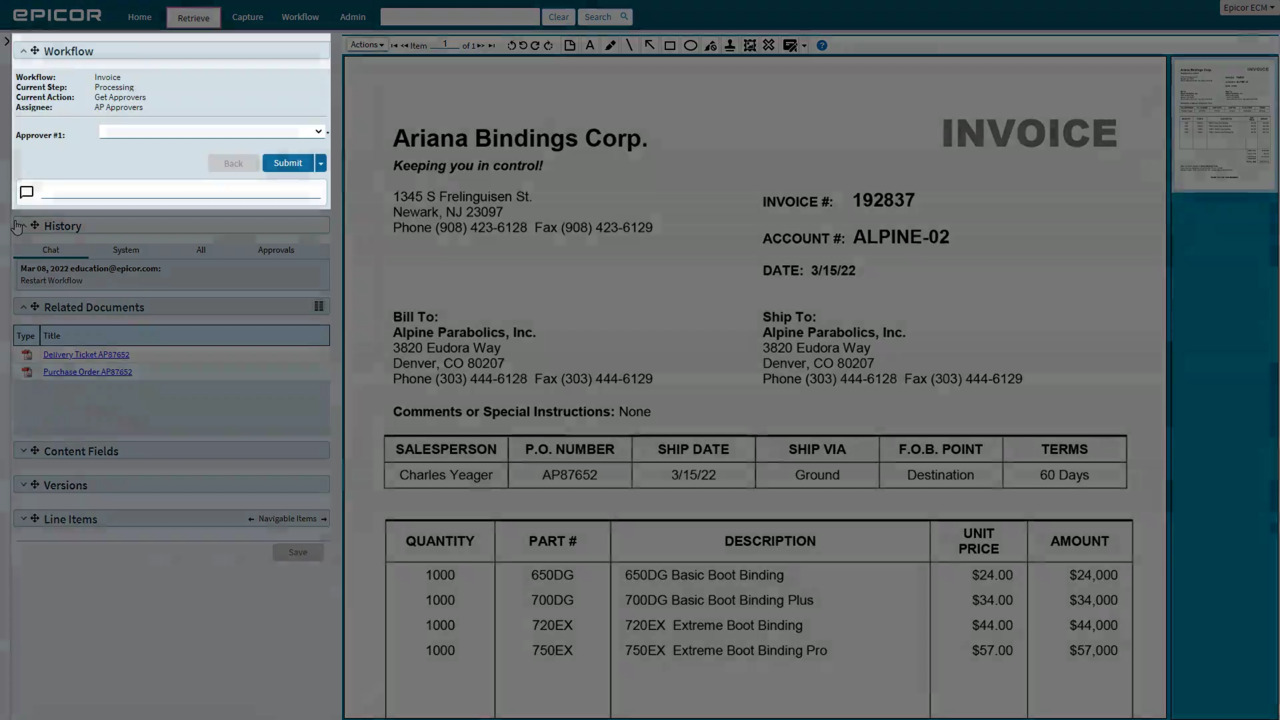
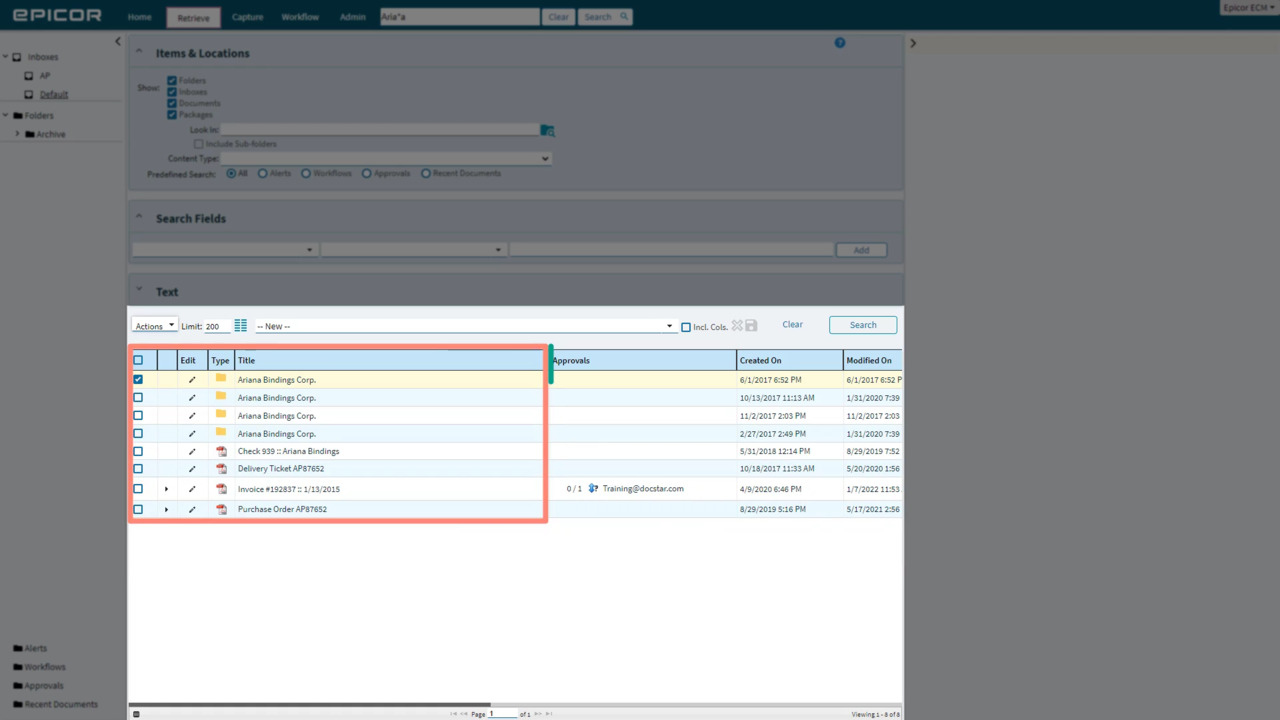
Workflow: your items come into Epicor ECM, then something needs to happen to them to complete the business process. Once you've found an item in the workflow queue, learn how to process it!
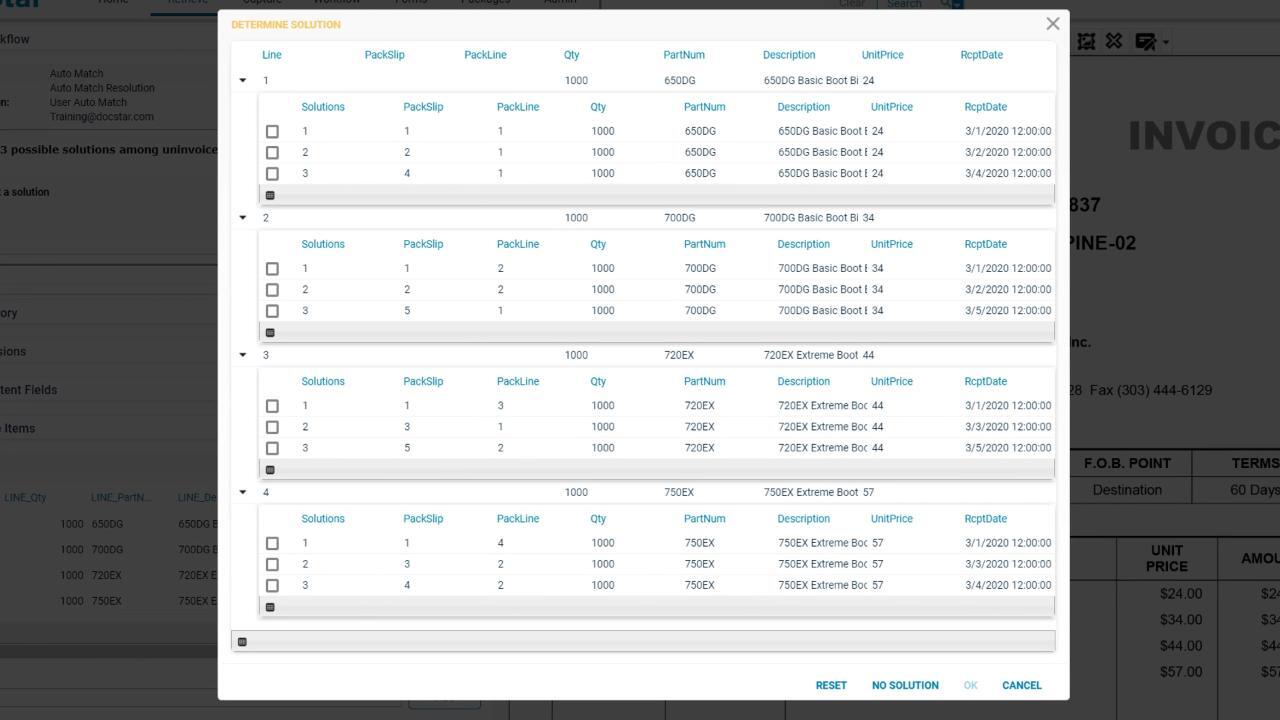
We've added an "Auto Match" task and a “User Auto Match” task to the workflow designer to help make matching your AP receipt items to your invoice! Learn how to choose a solution for a receipt / invoice combination here!
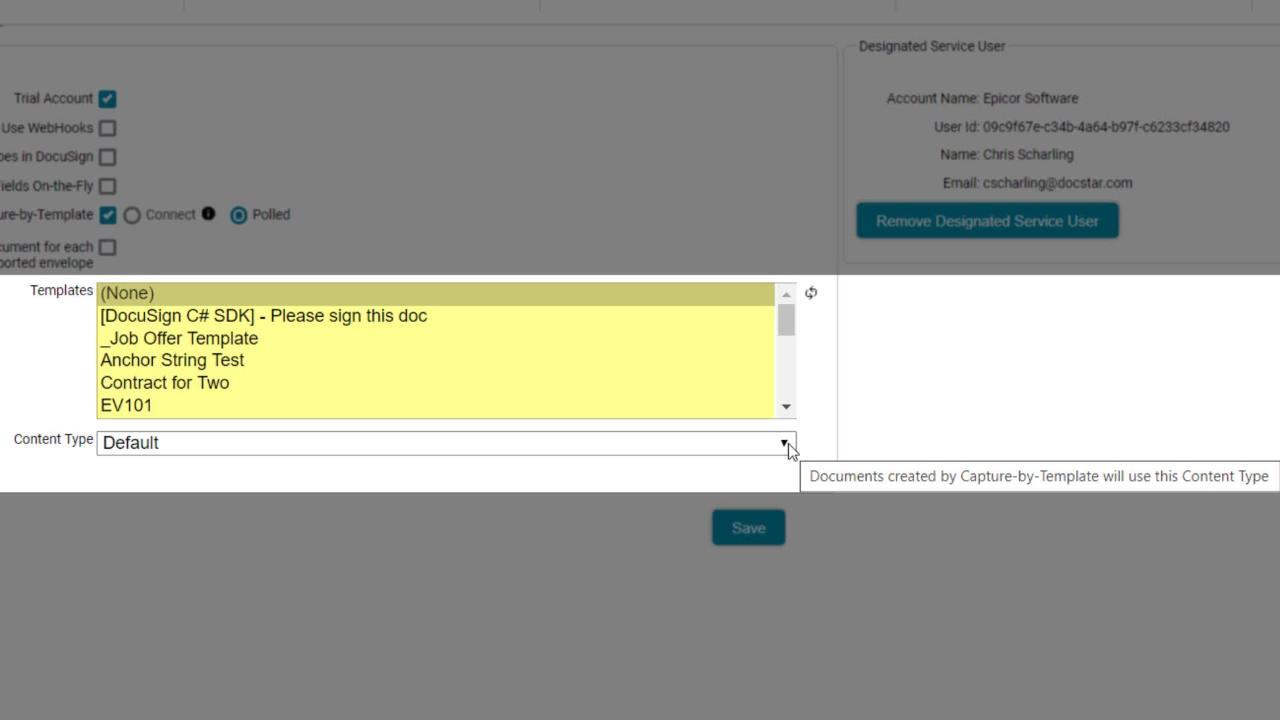
You can automatically import all of your DocuSign envelopes using Capture-by-Template. We’ve enhanced this feature in 20.1 so that additional documents in an envelope can be created as individual items in DocStar ECM.
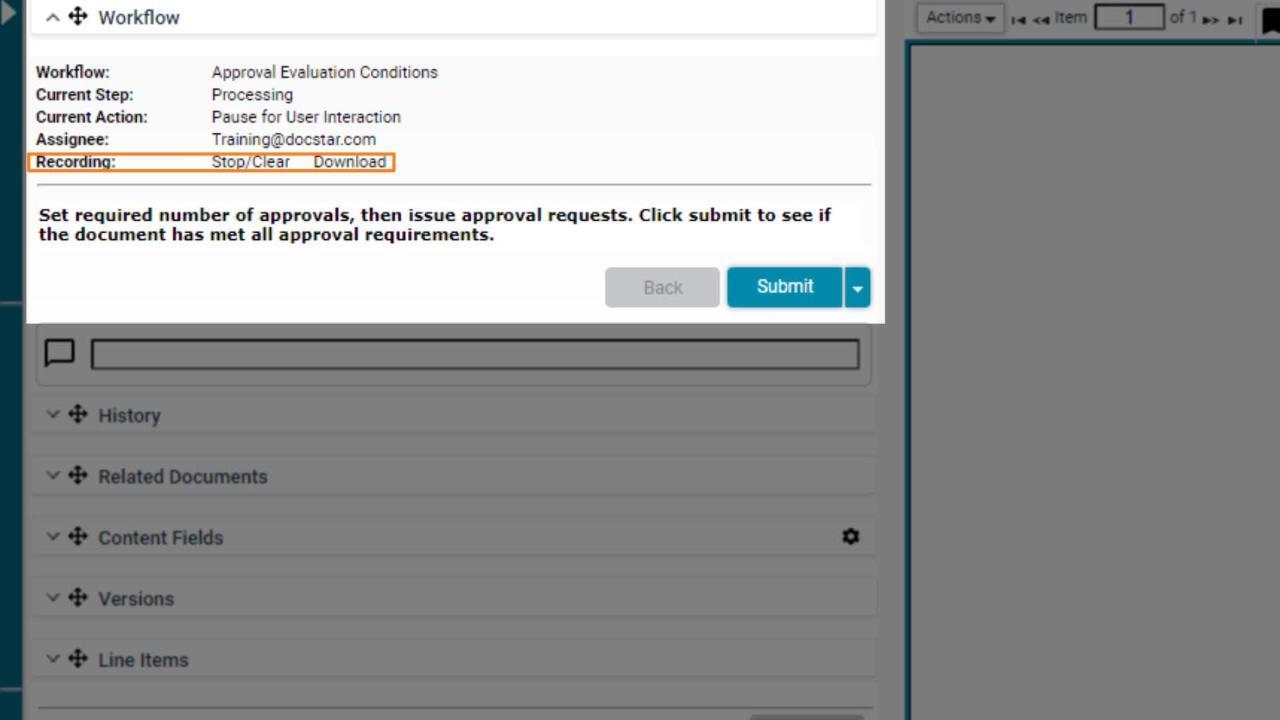
New in 20.2, the Workflow Recorder provides an XML-based output of all of your workflow's actions, outputs, and variables. Use this to diagnose your workflows as you're building!
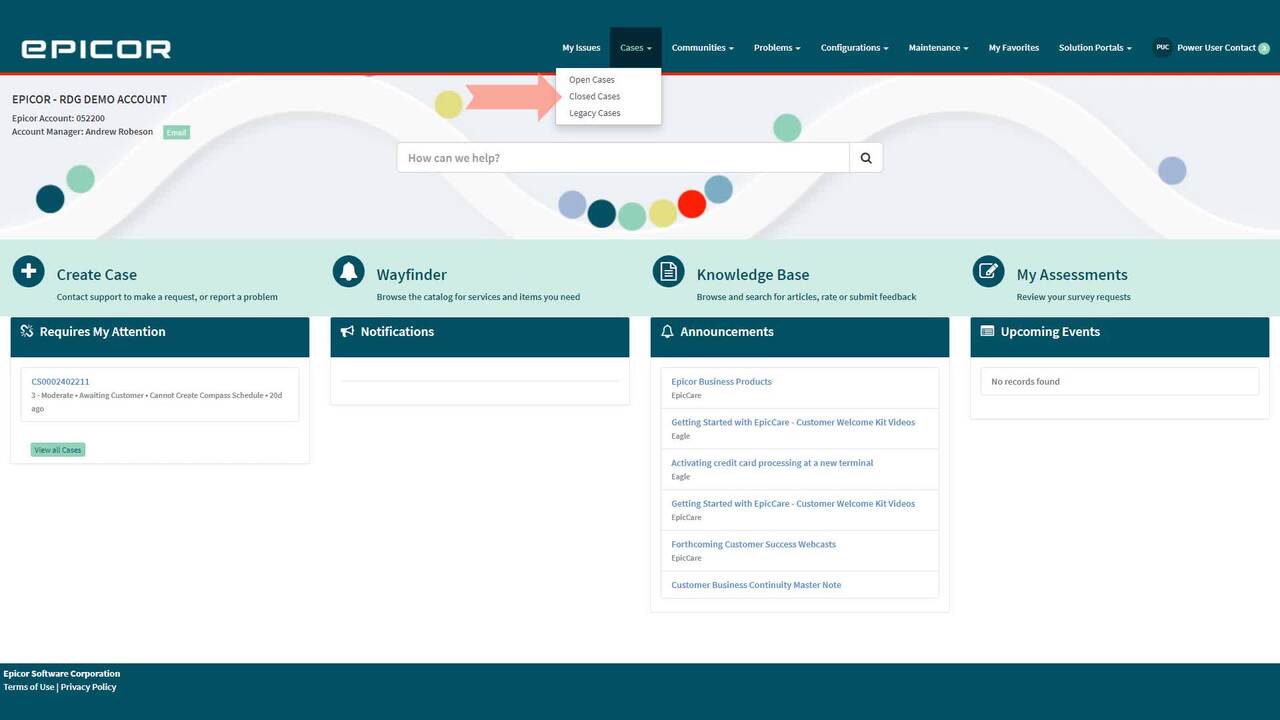
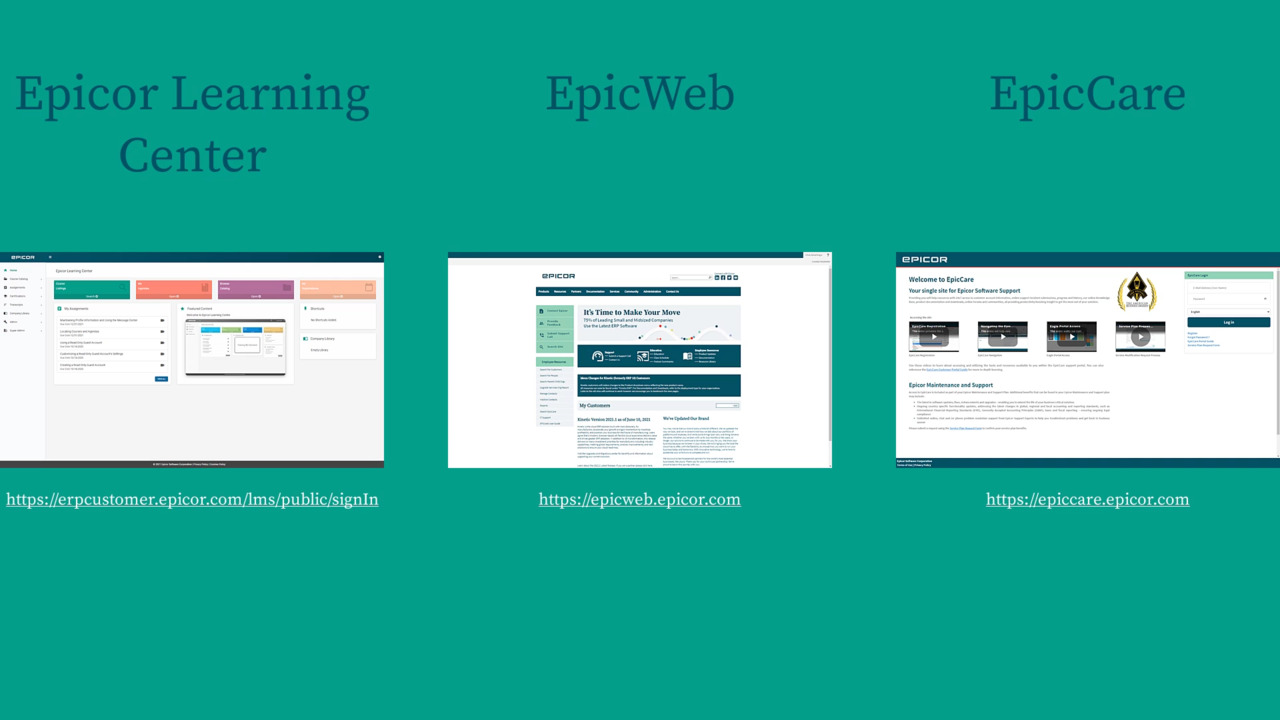
An EpicWeb account grants you access to more than just EpicWeb. Learn how to create your account and gain access to Epicor Learning Center and EpicCare.
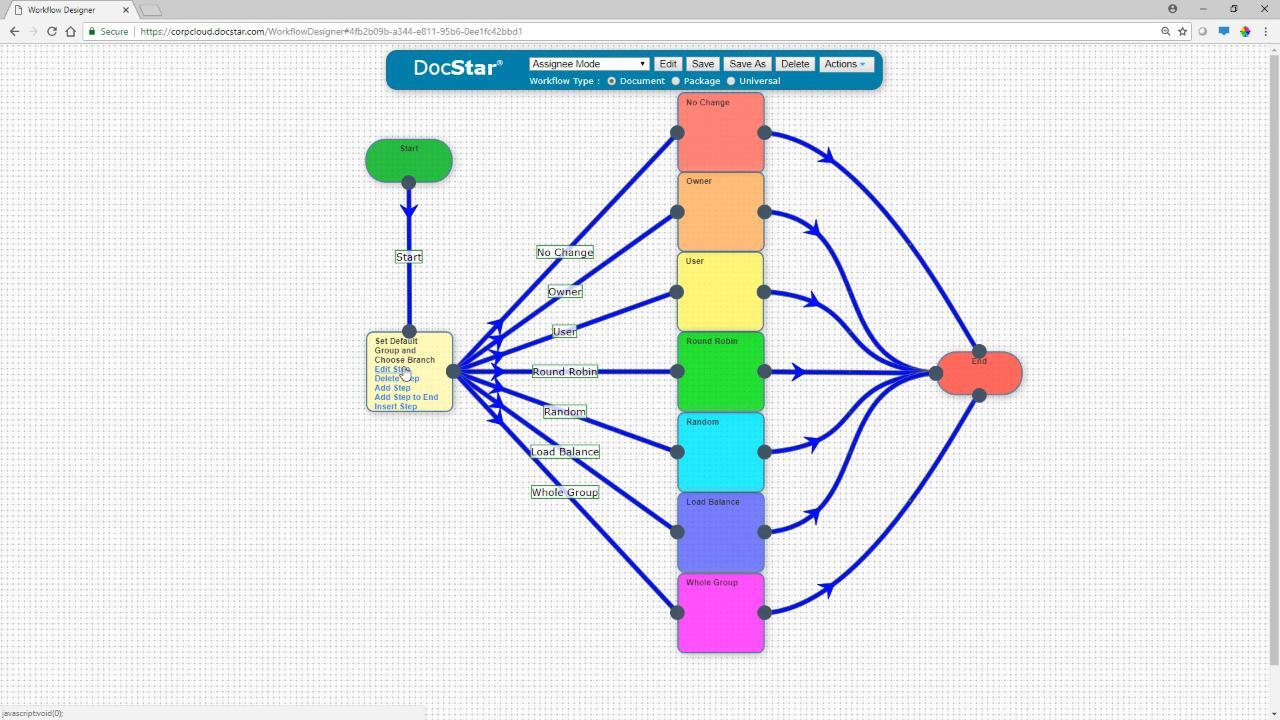
The workflow step editor allows you to dictate how the next assignee is chosen. Between round robin, load balance, random, and more, there are a lot of options. Learn what you need to know.