Capabilities
Data Capture & Extraction
Workflow Automation
Content Management
Security & Compliance
Integration & Scalability
Deployment Flexibility
Collaboration & Communication
Mobile Accessibility
Analytics & Reporting
Solutions
AP Automation
What is AP Automation
AP Automation Demo
Microsoft Dynamics 365 BC
HR Automation
What is HR Automation
HR Automation Demo
Industries
Accounting
Distribution
Insurance
Manufacturing
Trucking
Utilities
Success Stories
Resources
Blog
Knowledge Videos
Maturity Assessment
Company
About
Events
Book Demo
Schedule Consultation
Training & Learning Resources
Support & Customer Resources
Contact
Partners
Partner Community
Become a Partner
Partner Directory
Partner Portal
Capabilities
Data Capture & Extraction
Workflow Automation
Content Management
Security & Compliance
Integration & Scalability
Deployment Flexibility
Collaboration & Communication
Mobile Accessibility
Analytics & Reporting
Solutions
AP Automation
What is AP Automation
AP Automation Demo
Microsoft Dynamics 365 BC
HR Automation
What is HR Automation
HR Automation Demo
Industries
Accounting
Distribution
Insurance
Manufacturing
Trucking
Utilities
Success Stories
Resources
Blog
Knowledge Videos
Maturity Assessment
Company
About
Events
Book Demo
Schedule Consultation
Training & Learning Resources
Support & Customer Resources
Contact
Partners
Partner Community
Become a Partner
Partner Directory
Partner Portal
Become a DocStar Partner
Search
Book Demo
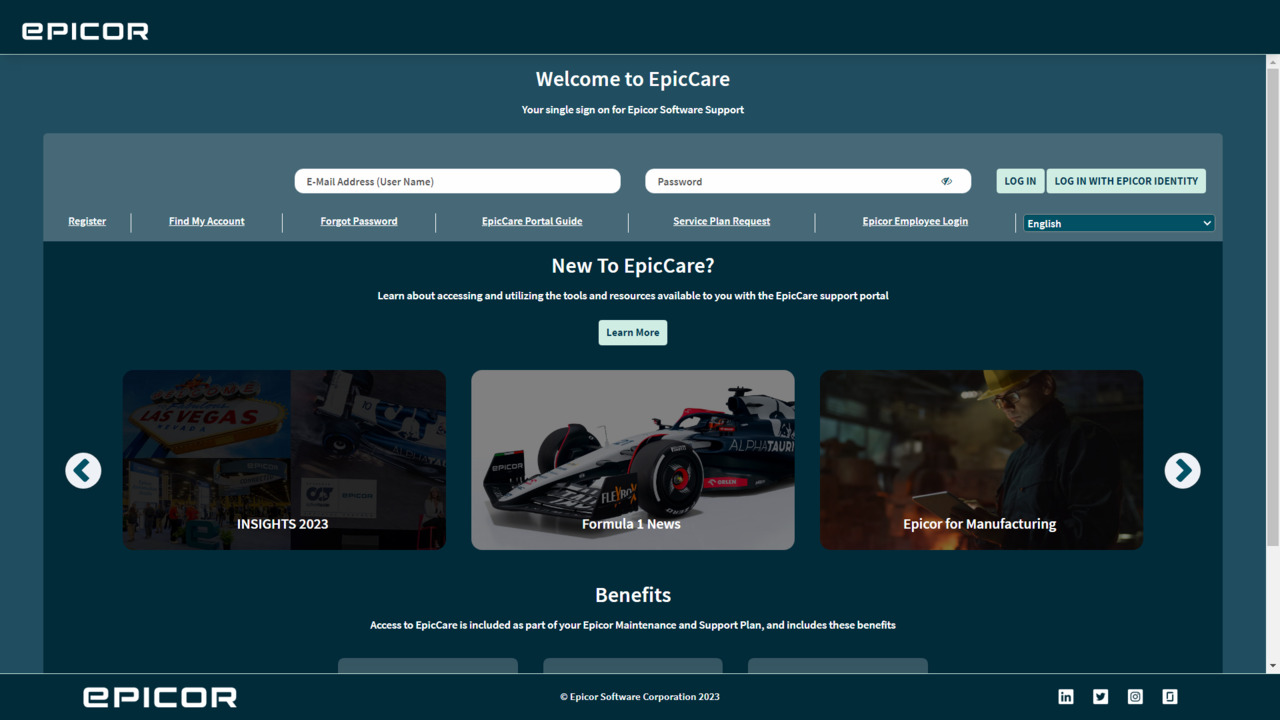
Show Me How to Navigate within EpicCare
Category:
EpicCare Navigation
176 views
You may also like
01:13
How to Add a User
Learn how to add a new User to your DocStar ECM system.
02:34
EpicCare Registration
Learn how to register for EpicCare.
02:28
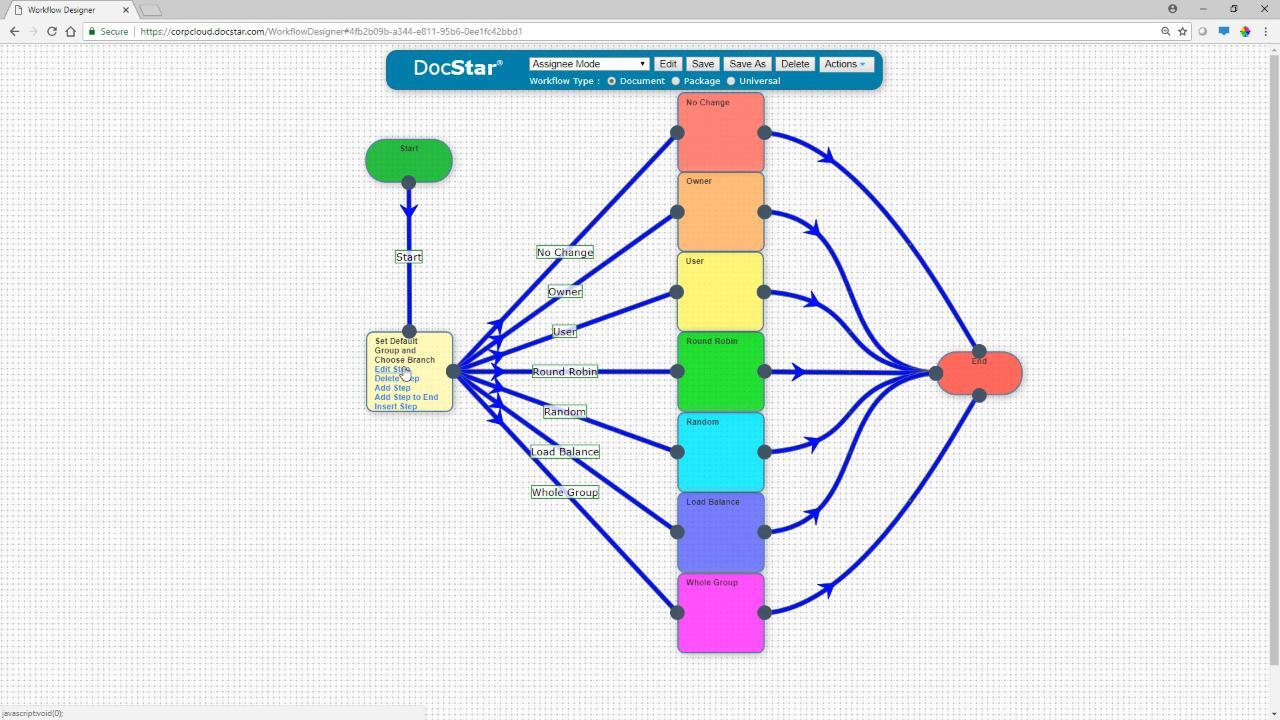
Workflow Assignee Mode
The workflow step editor allows you to dictate how the next assignee is chosen. Between round robin, load balance, random, and more, there are a lot of options. Learn what you need to know.
02:28
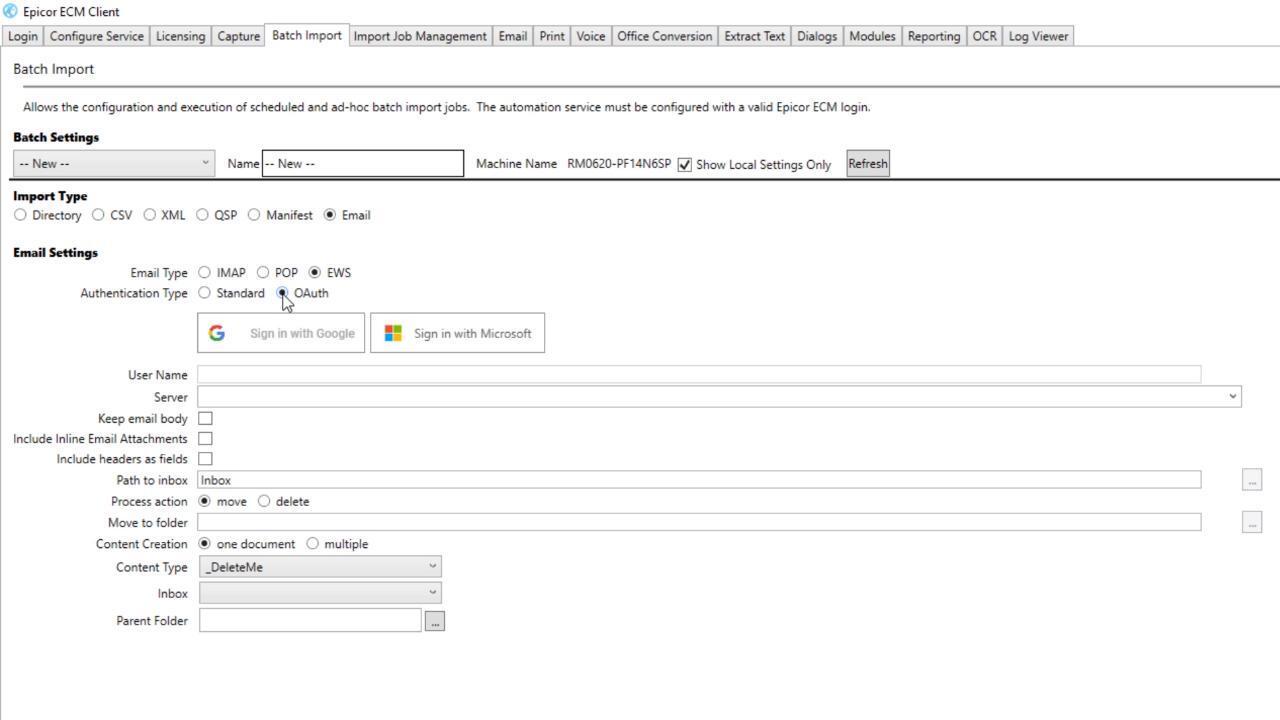
Show Me How to Log in to the Client with OAuth
If you need to use Batch Import with an Exchange Web Services email server, you can Sign in with Google or Sign in with Microsoft using OAuth.
06:19
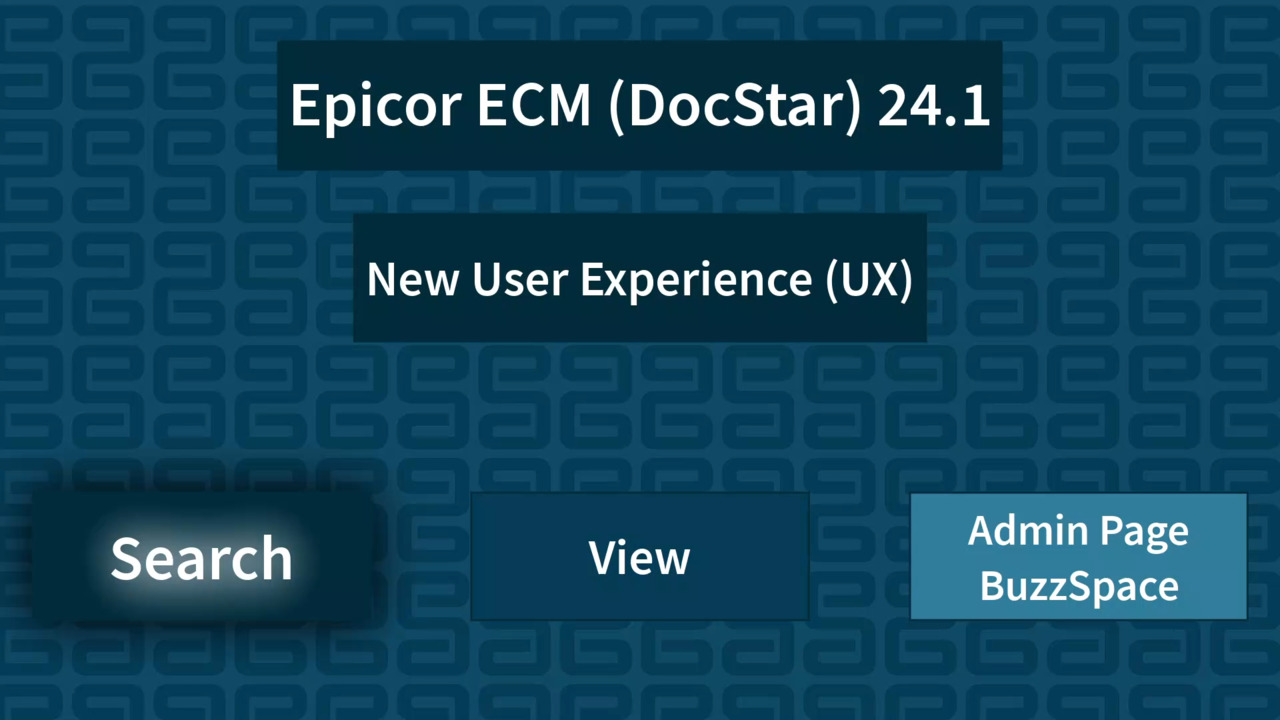
ECM (DocStar) 24.1 – Exploring the New Search UX
Exploring the new-look Search page and functionality in Epicor ECM (DocStar) 24.1
02:06
ECM (DocStar) 24.1 – Exploring the New Admin Menu & BuzzSpace Options
This short video looks at the new layout of the Admin page, and new options for the BuzzSpace in Epicor ECM (DocStar) 24.1
06:25
ECM (DocStar) 24.1 – User-Defined Tables in ECM (DocStar) 24.1
This video looks at the new User Defined Tables feature in Epicor ECM (DocStar) 24.1
02:02
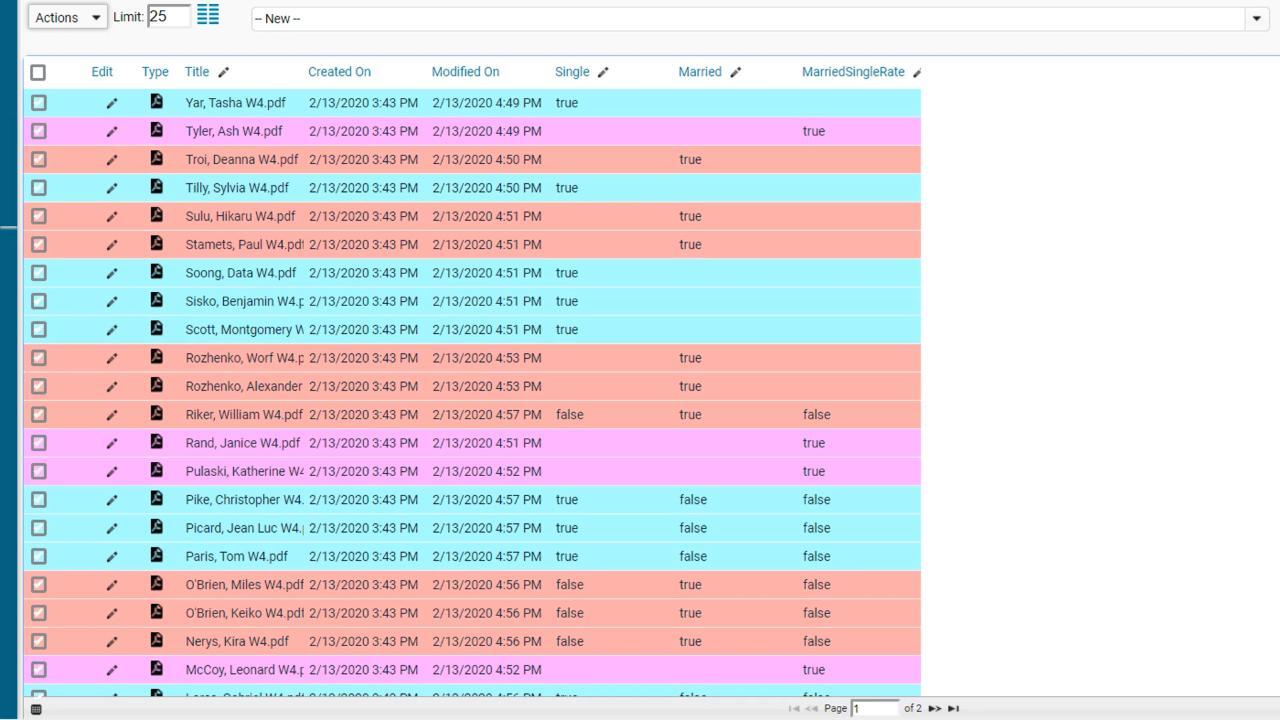
Show Me How to Color Code Items with Watches
Use Watches to color code documents in the Retrieve or Workflow screen based on true or false values.
03:13
ECM (DocStar) 24.1 – Exploring the New View UX
This video looks at the new View page in ECM (DocStar) 24.1
Show Me How to Log In to the Client with OAuth
If you need to use Batch Import with an Exchange Web Services email server, you can Sign in with Google or Sign in with Microsoft using OAuth.
«
1
2
3
Page 3 of 3
Categories
Blog
Events
Webinars On-Demand
Recent Posts
4 Common Myths About Managing Business Information
Why AP Automation Fails: 7 Costly Mistakes
Why ERP Alone Isn’t Enough for Document-Driven Processes
Why ERP Systems Struggle with Financial Documentation
Why Operational Visibility Breaks Down Between Business Systems
Previous/Next
Older Post:
Show Me How to Activate My EpicWeb Account
Newer Post:
Show Me How to Use the Workflow Recorder
Capabilities
Data Capture & Extraction
Workflow Automation
Content Management
Security & Compliance
Integration & Scalability
Deployment Flexibility
Collaboration & Communication
Mobile Accessibility
Analytics & Reporting
Back
Solutions
AP Automation
What is AP Automation?
AP Automation Demo
Microsoft Dynamics 365 BC
Back
HR Automation
What is HR Automation?
HR Automation Demo
Back
Industries
Accounting
Distribution
Insurance
Manufacturing
Trucking
Utilities
Back
Back
Success Stories
Document Management Software Case Studies
Resources
Blog
Knowledge Videos
Maturity Assessment
Back
Company
Events
Book a Demo
Schedule Consultation
Training & Learning Resources
Support & Customer Resources
Contact
Back
Partners
Partner Community
Become a Partner
Partner Directory
Partner Portal
Back
× Close Panel