Show Me How to Save a Copy of an Item


Category:


Need to download a document? Learn how it’s done here!

139 views

You may also like

How to Add a User
01:13
Learn how to add a new User to your DocStar ECM system.
EpicCare Registration
02:34
Learn how to register for EpicCare.
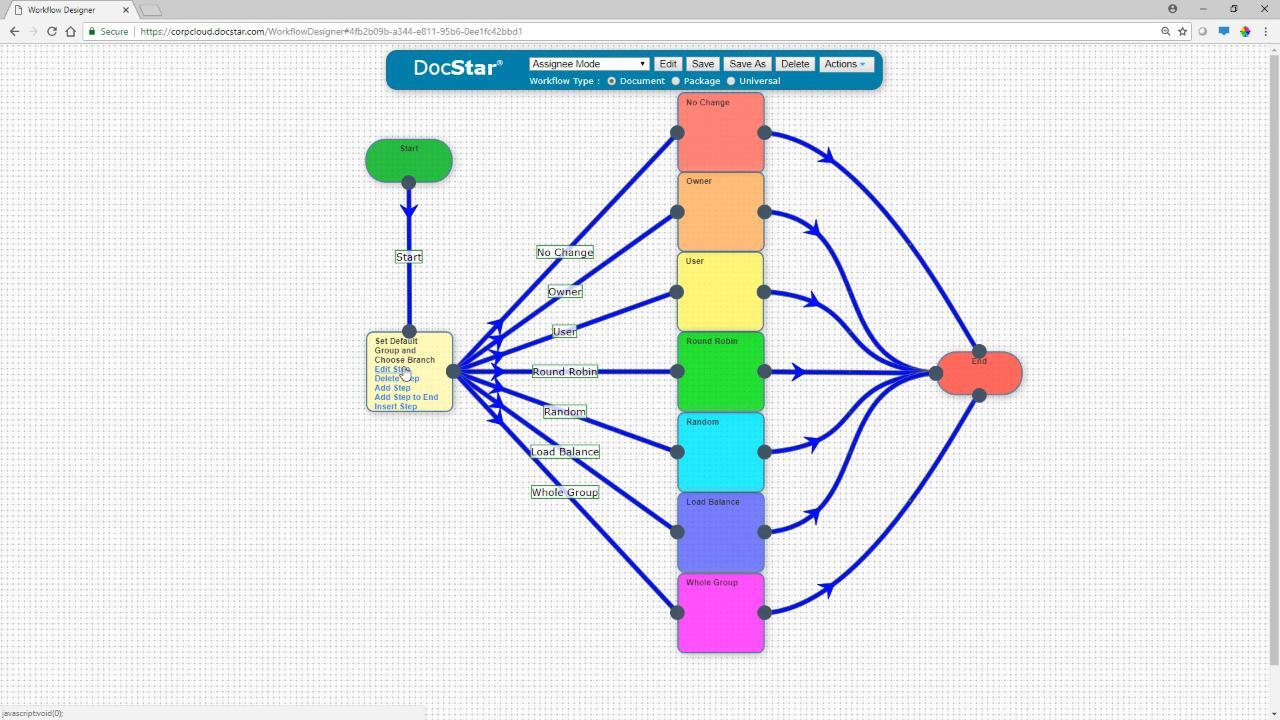
Workflow Assignee Mode
02:28
The workflow step editor allows you to dictate how the next assignee is chosen. Between round robin, load balance, random, and more, there are a lot of options. Learn what you need to know.
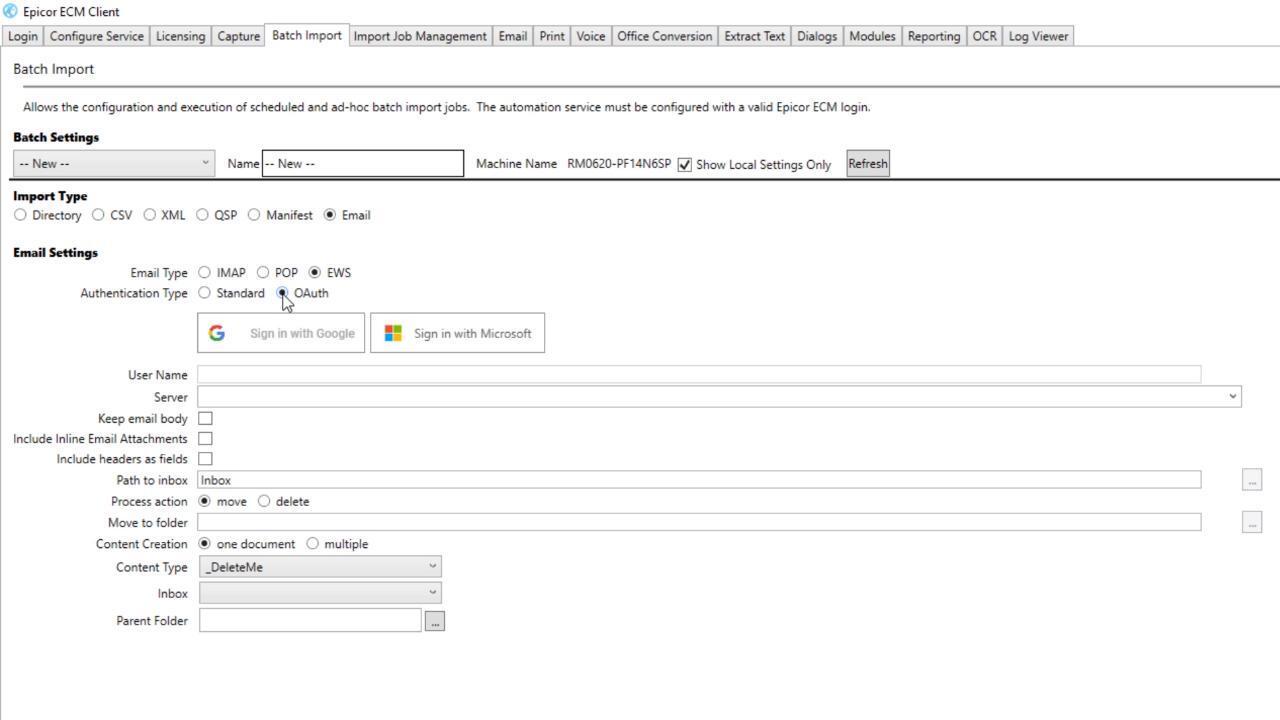
Show Me How to Log in to the Client with OAuth
02:28
If you need to use Batch Import with an Exchange Web Services email server, you can Sign in with Google or Sign in with Microsoft using OAuth.
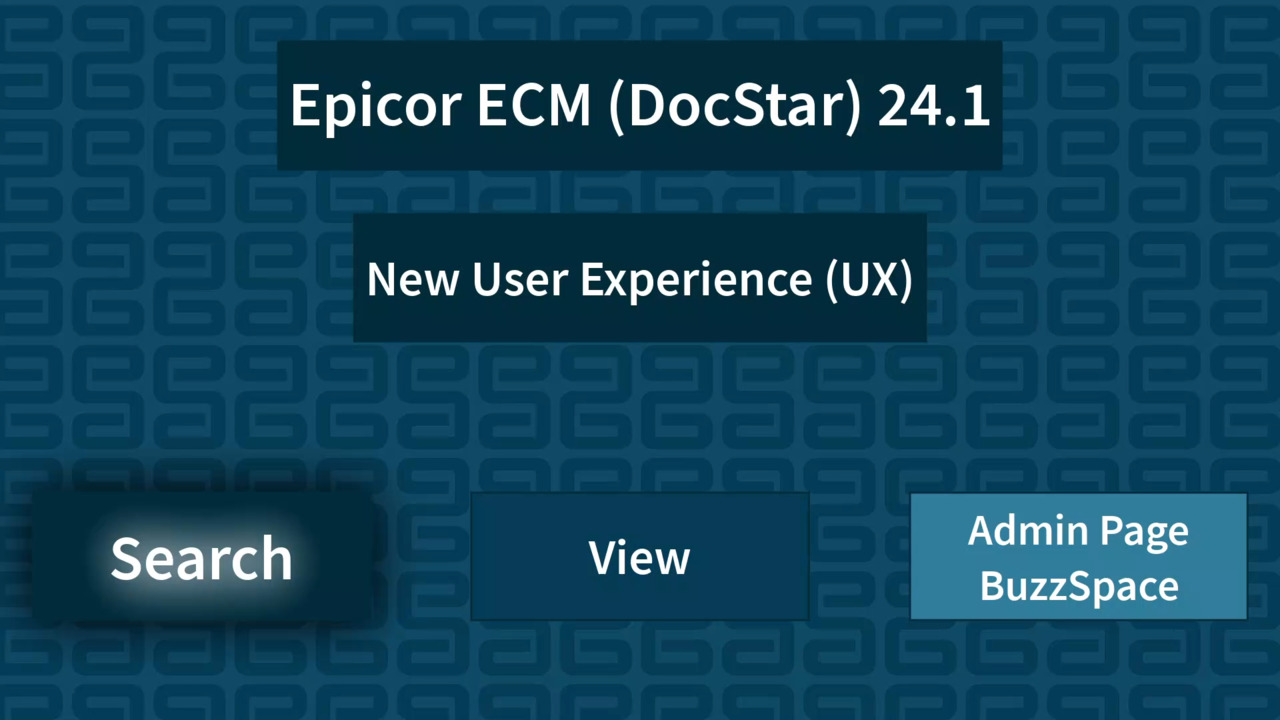
ECM (DocStar) 24.1 - Exploring the New Search UX
06:19
Exploring the new-look Search page and functionality in Epicor ECM (DocStar) 24.1
ECM (DocStar) 24.1 - Exploring the New Admin Menu & BuzzSpace Options
02:06
This short video looks at the new layout of the Admin page, and new options for the BuzzSpace in Epicor ECM (DocStar) 24.1
ECM (DocStar) 24.1 - User-Defined Tables in ECM (DocStar) 24.1
06:25
This video looks at the new User Defined Tables feature in Epicor ECM (DocStar) 24.1
Show Me How to Color Code Items with Watches
02:02
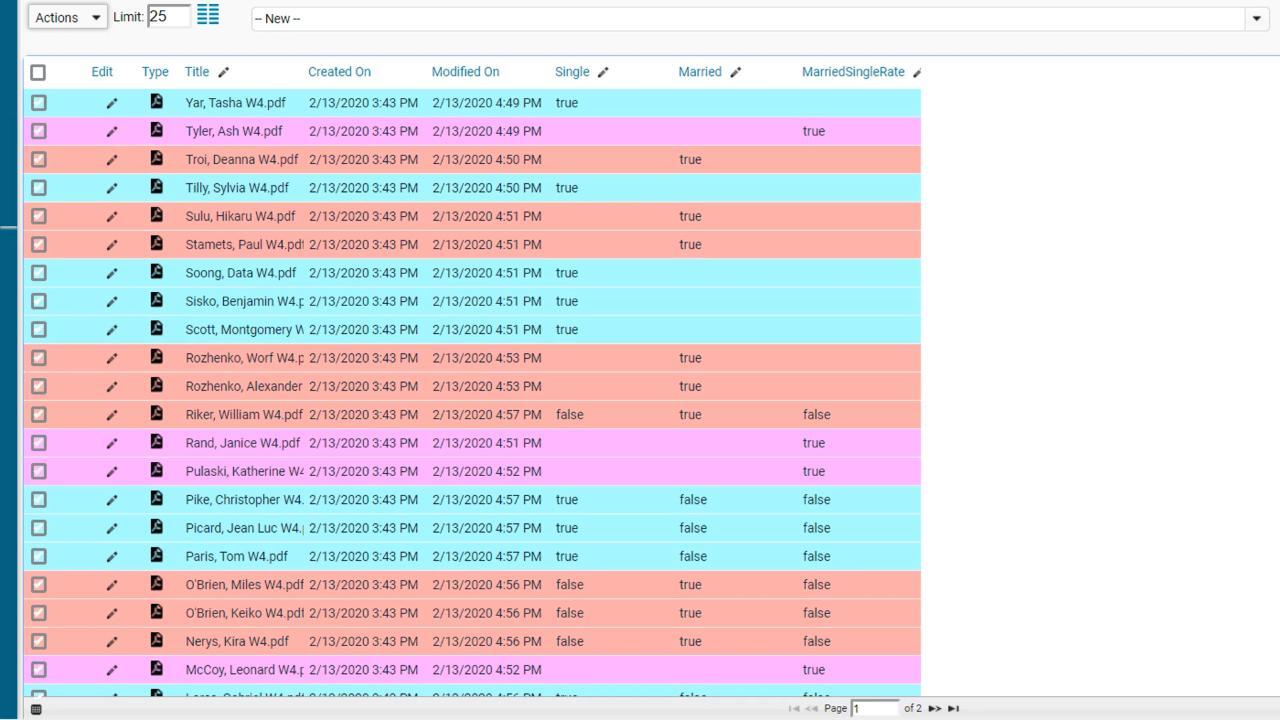
Use Watches to color code documents in the Retrieve or Workflow screen based on true or false values.
ECM (DocStar) 24.1 - Exploring the New View UX
03:13
This video looks at the new View page in ECM (DocStar) 24.1
Show Me How to Log In to the Client with OAuth
If you need to use Batch Import with an Exchange Web Services email server, you can Sign in with Google or Sign in with Microsoft using OAuth.
Page 3 of 3