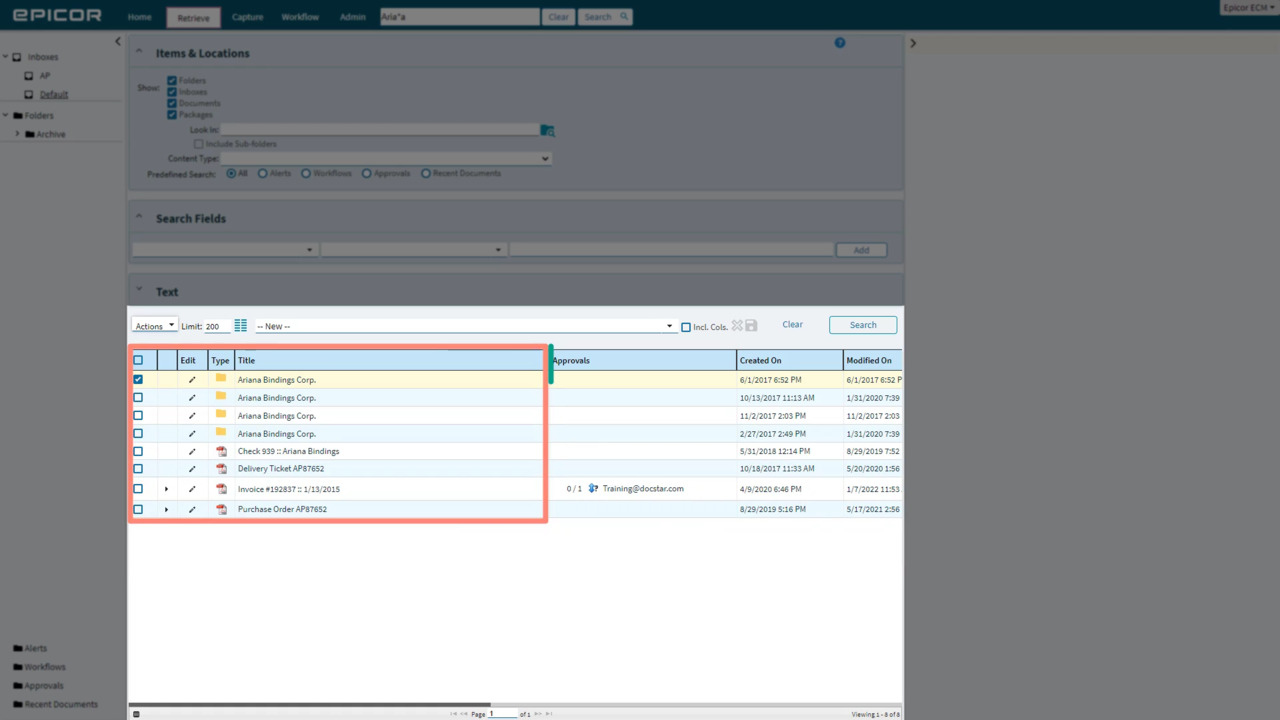
Show Me How to Save a Copy of an Item


Category:


Need to download a document? Learn how it’s done here!

139 views

You may also like

Show Me How to Annotate a Document
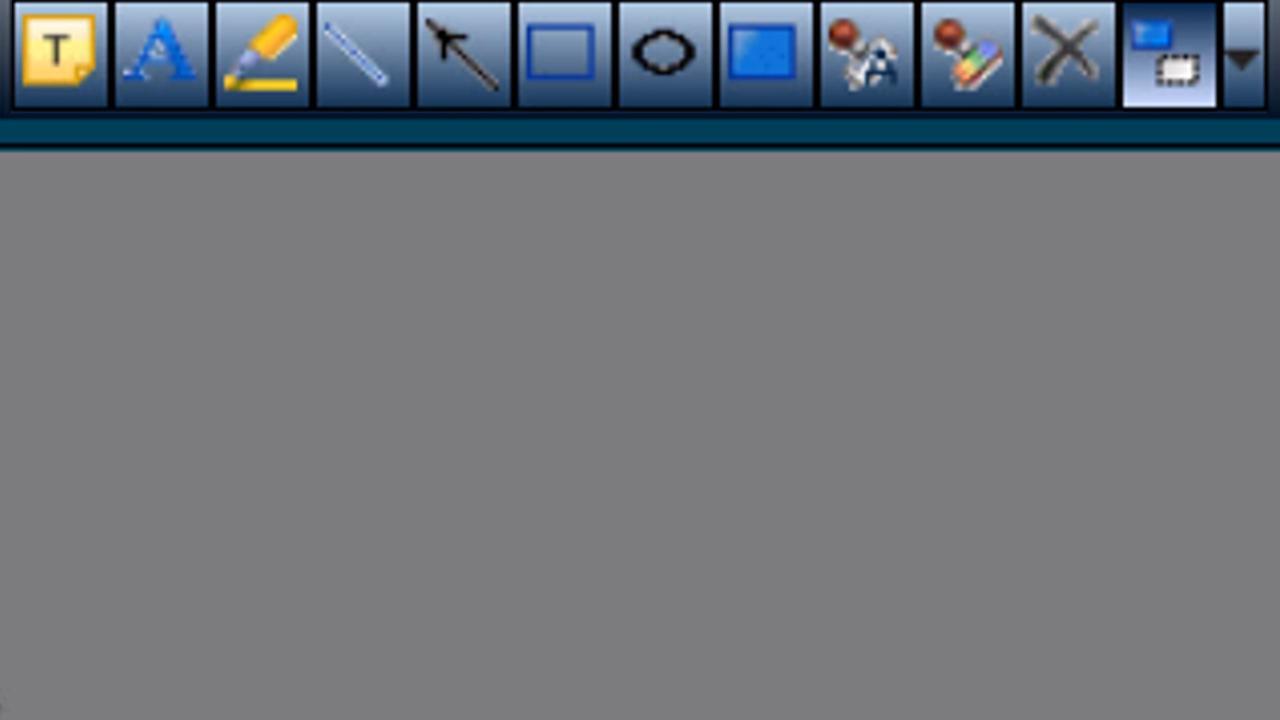
Need to mark up a document in DocStar ECM? Learn how to use the annotation toolbar to add sticky notes, highlighters, arrows, redactions, and more
Show Me How to Import from Another Workstation
If you need to import files from another workstation, the Client Service can serve as a bridge between the two machines. Learn the details here!
Show Me How to Process Epicor ECM Workflow Items
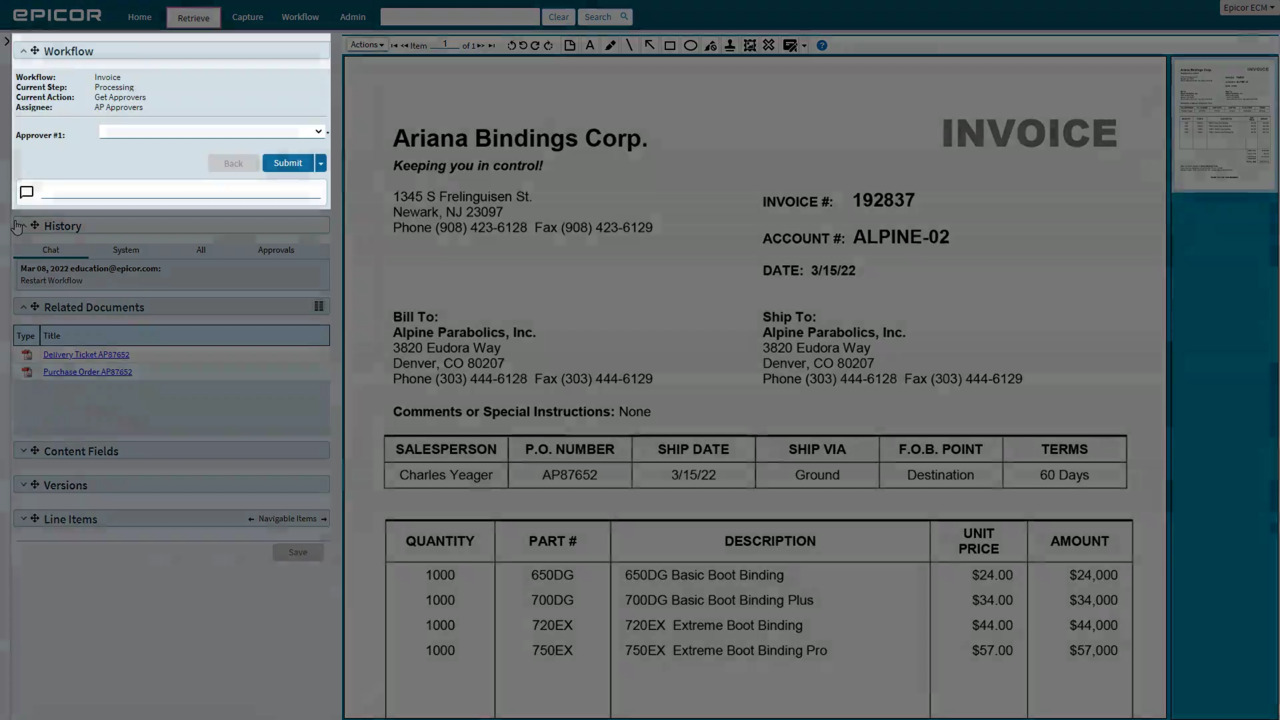
Workflow: your items come into Epicor ECM, then something needs to happen to them to complete the business process. Once you've found an item in the workflow queue, learn how to process it!
Show Me How to Use Due Dates and Priority
You can assign your workflow items a due date and edit priorities. Learn all the details here!
Show Me How to Auto Match Receipts to Invoices
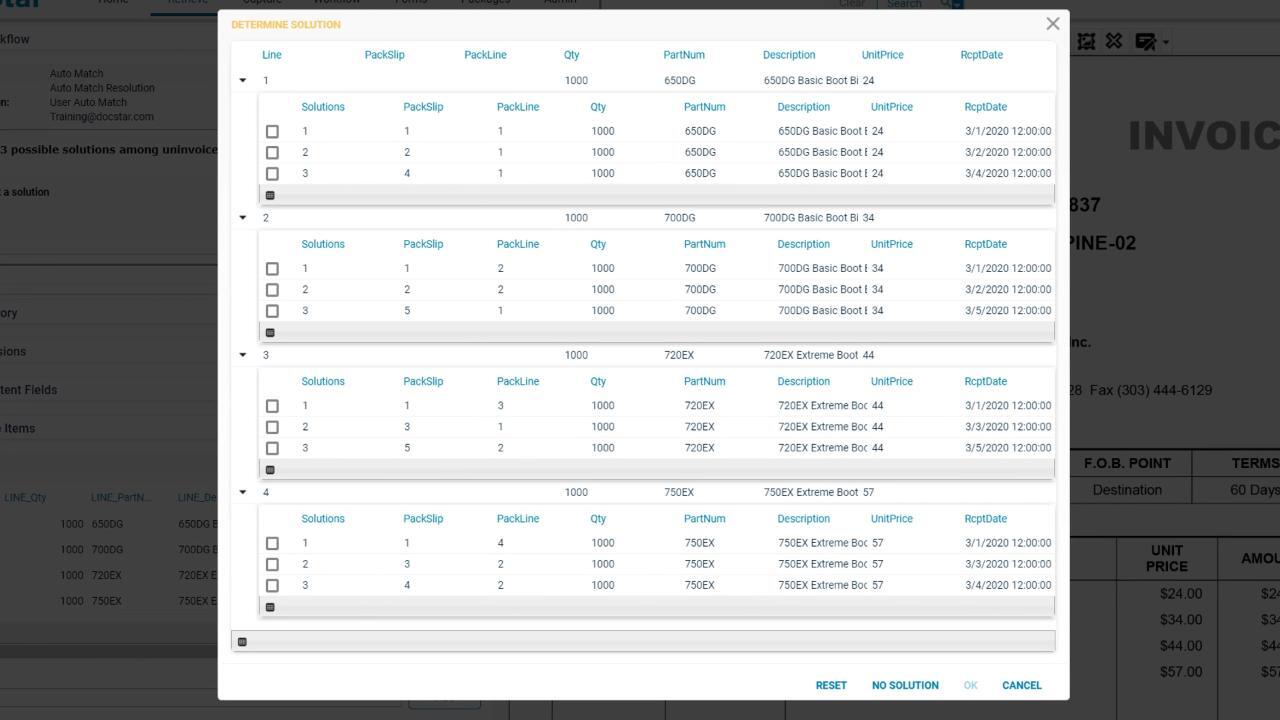
We've added an "Auto Match" task and a “User Auto Match” task to the workflow designer to help make matching your AP receipt items to your invoice! Learn how to choose a solution for a receipt / invoice combination here!
Show Me How to Automatically Import DocuSign Envelopes
03:07
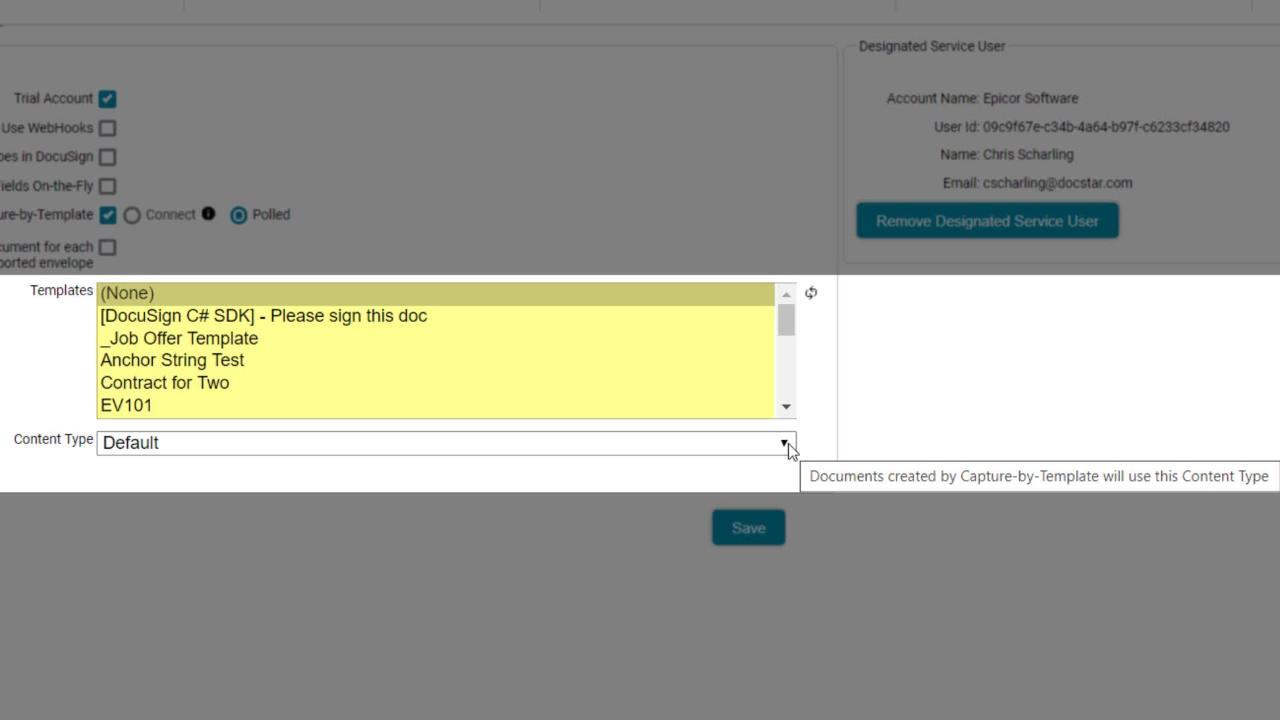
You can automatically import all of your DocuSign envelopes using Capture-by-Template. We’ve enhanced this feature in 20.1 so that additional documents in an envelope can be created as individual items in DocStar ECM.
Show Me How to Use the Workflow Recorder
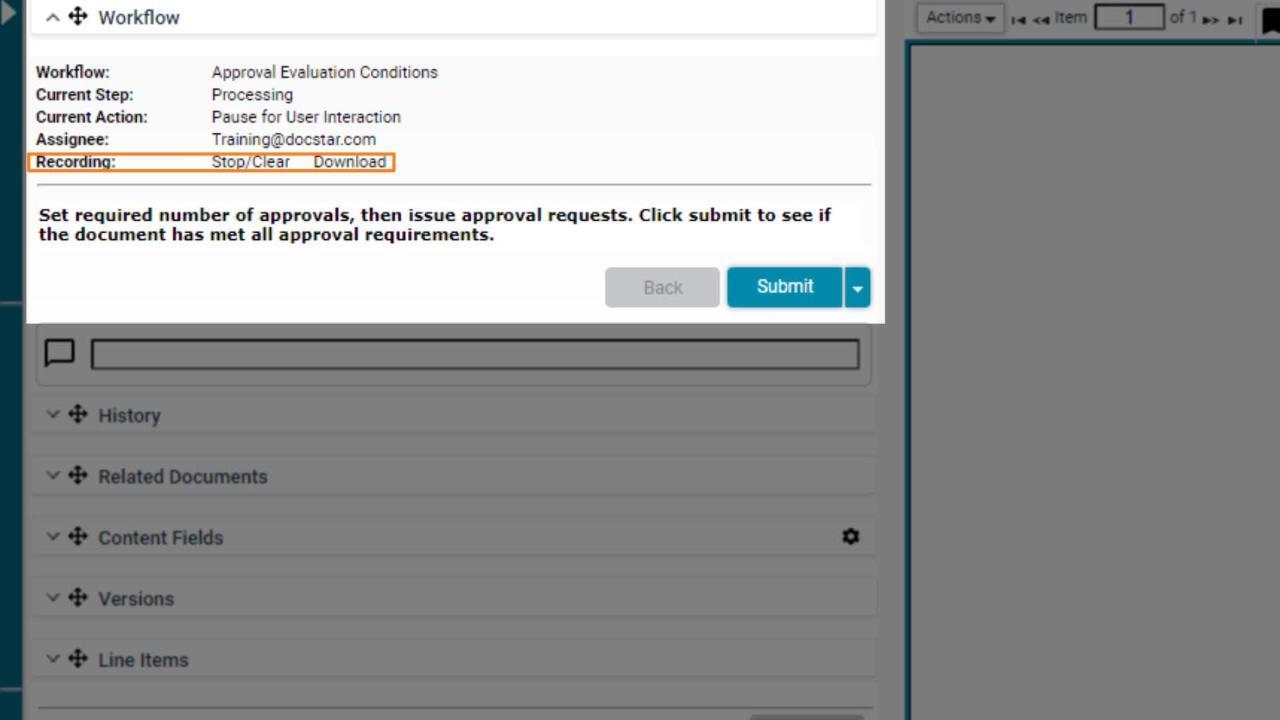
New in 20.2, the Workflow Recorder provides an XML-based output of all of your workflow's actions, outputs, and variables. Use this to diagnose your workflows as you're building!
Show Me How to Activate My EpicWeb Account
02:21
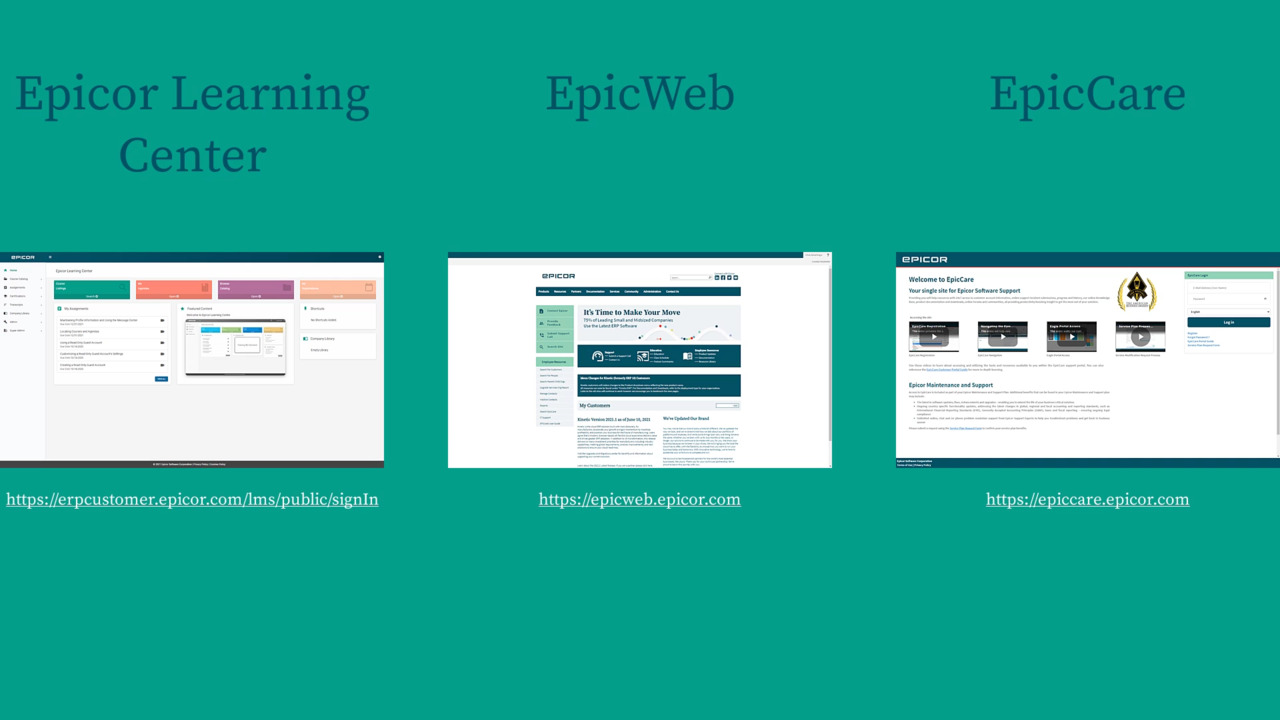
An EpicWeb account grants you access to more than just EpicWeb. Learn how to create your account and gain access to Epicor Learning Center and EpicCare.

Show Me How to Retrieve Content Items in Epicor ECM
03:22
Discover how to quick search, browse, or open items awaiting your input from your Workflow queue.
Page 2 of 3