Show Me How to Import from Another Workstation


Category:


If you need to import files from another workstation, the Client Service can serve as a bridge between the two machines. Learn the details here!

136 views

You may also like

Save vs. Submit
We sometimes see confusion regarding the difference between what the Save Button and Submit buttons do when viewing a document.
Setting up Email Import
Email Import is a feature which allows the DocStar Client Service to reach into an imap or pop email account and pull in content. Best of all, you can set all sorts of rules to best suit your needs. Learn all you need to know here.
Show Me How to Use Microsoft Office Integration for ECM
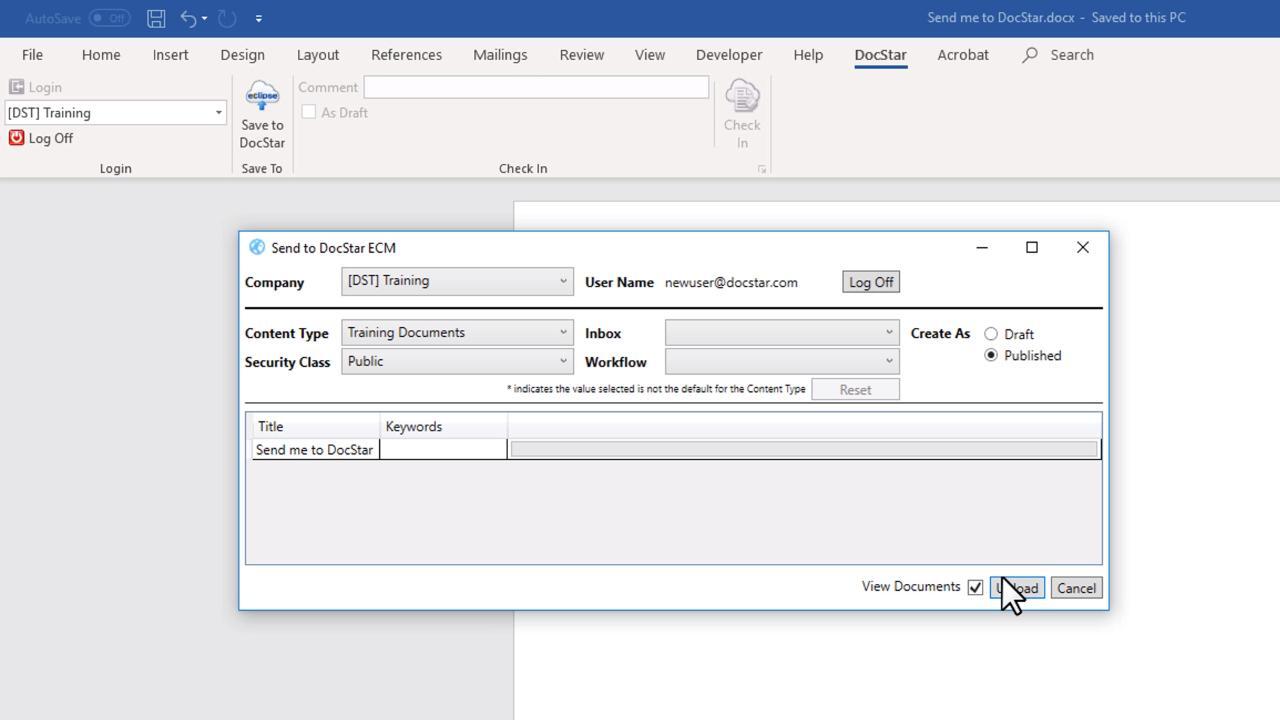
Office Integration allows you to import directly into DocStar ECM from Microsoft Word, PowerPoint, Excel, and Outlook.
Show Me How to Use the Workflow Queue
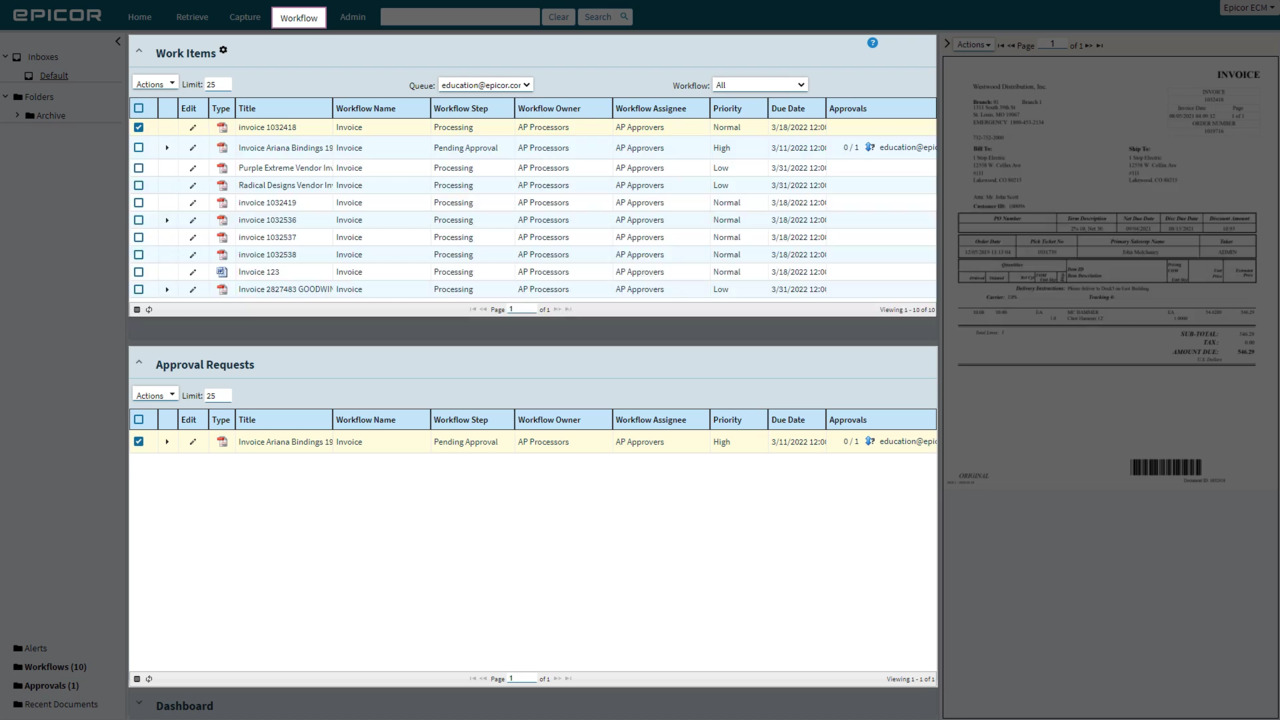
The Workflow screen grants visibility into your team's workflow status. Use the Work Items list or Approval Requests to find a detailed grid of all items awaiting interaction or approval from you.
Document Status
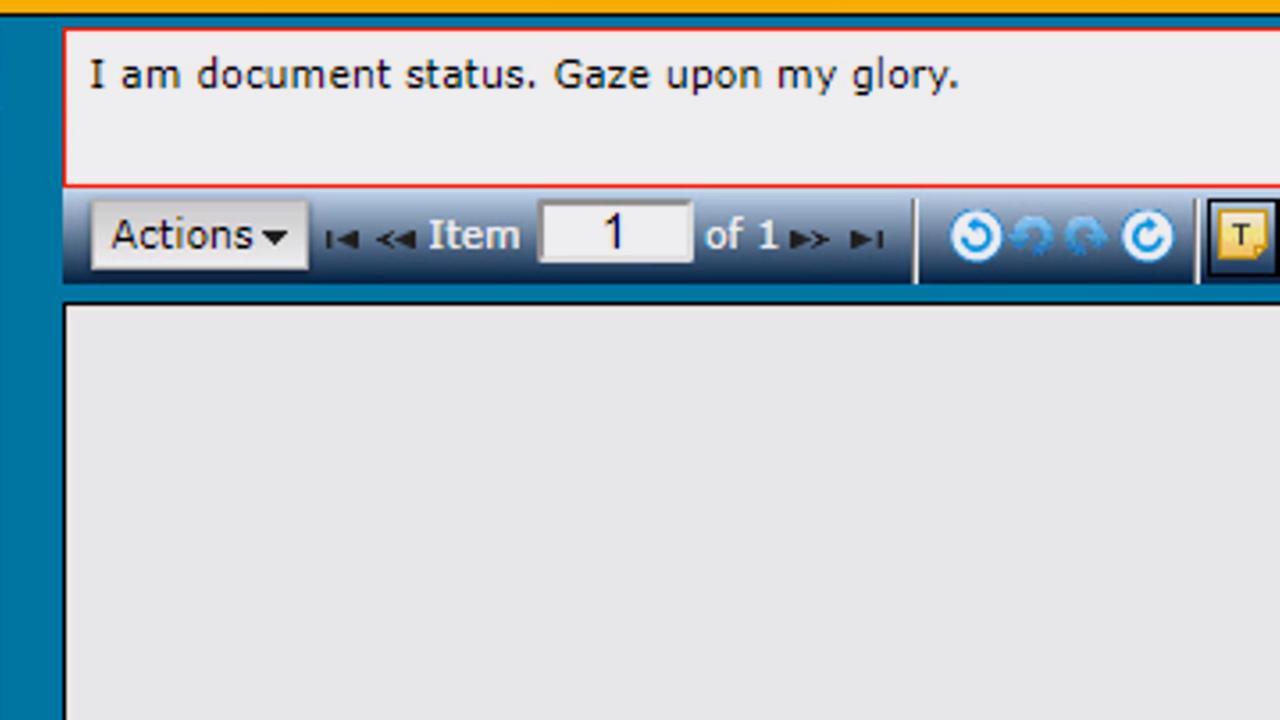
The arguments library holds many treasures for the eagle-eyed workflow designer. Learn about one of our favorites here, the Document Status window.
The Designated Service User
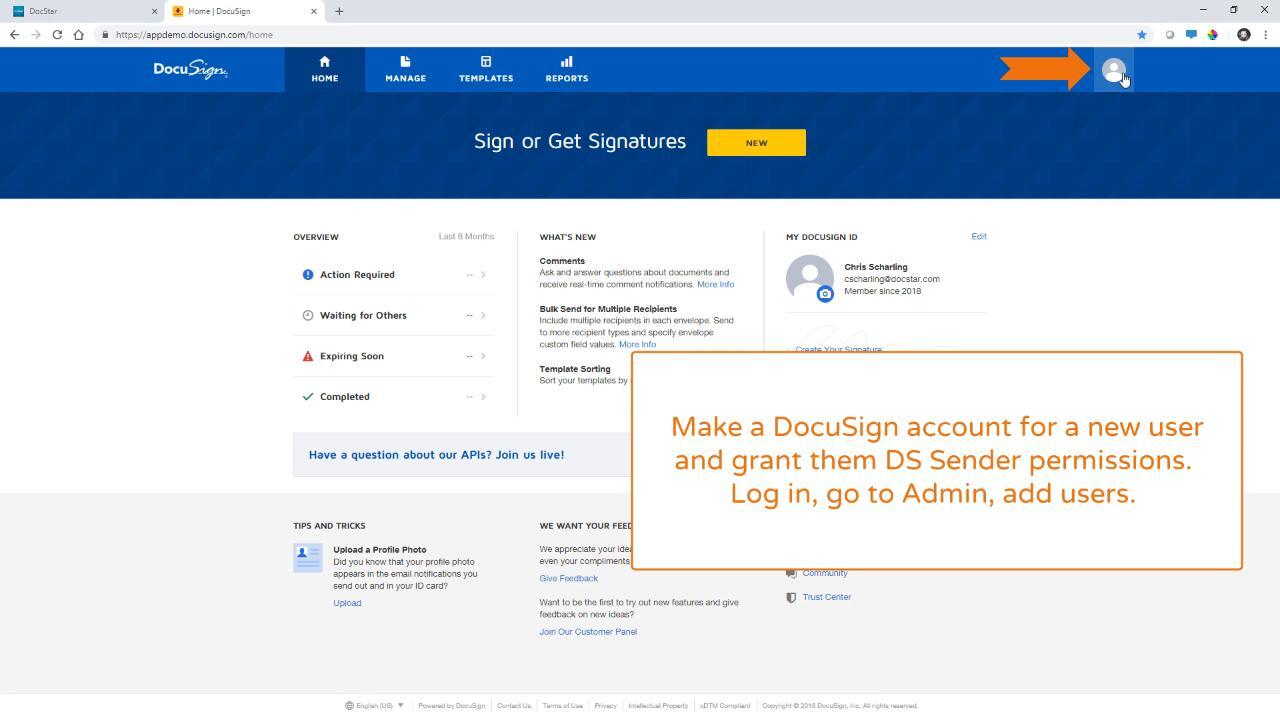
The Designated Service user--or DSU-- is a DocuSign user account which is used to perform background operations such as workflow services where there’s no human user logged in. We only use this when there’s no human user in context.
The Wait For task
The Wait For task will put your workflow into a hold state while DocStar ECM waits for a particular condition to be true. You can set a limit to how long it will wait and enable polling to allow DocStar ECM to check for this periodically.

The Request Signature Task
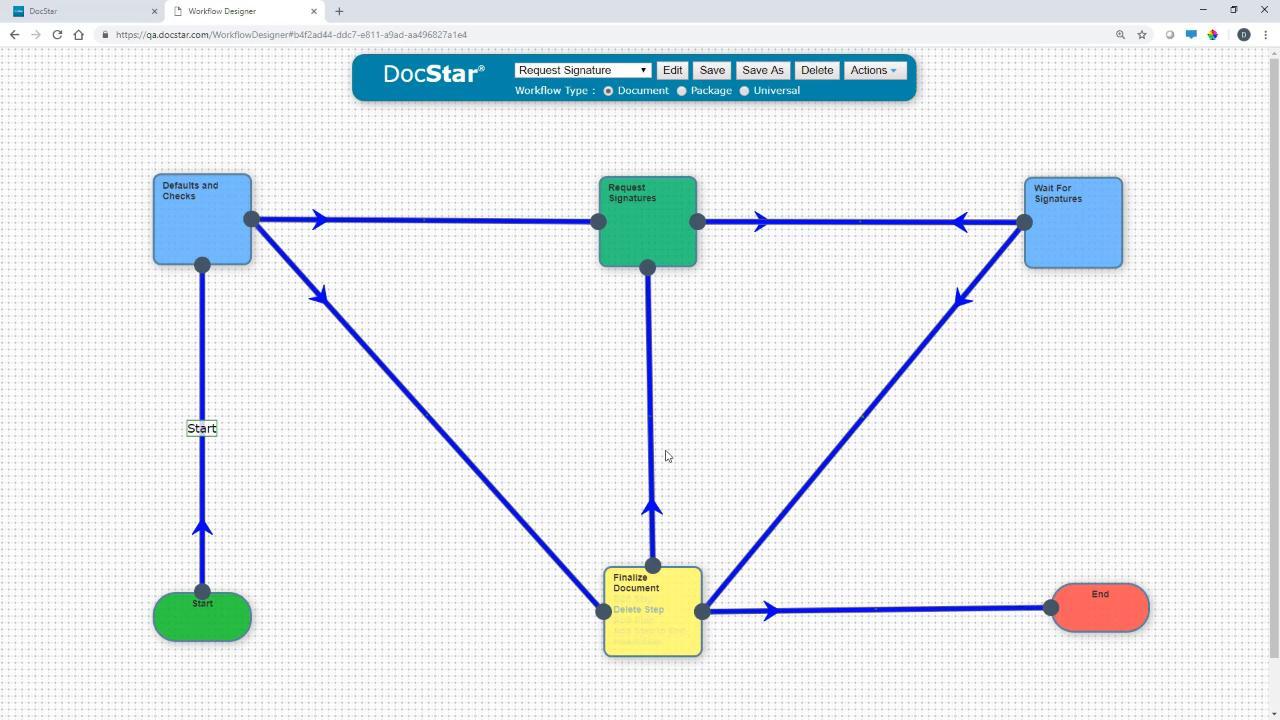
eSignatures can be built into your existing workflows. Learn the extents, capabilities, and best practices here!
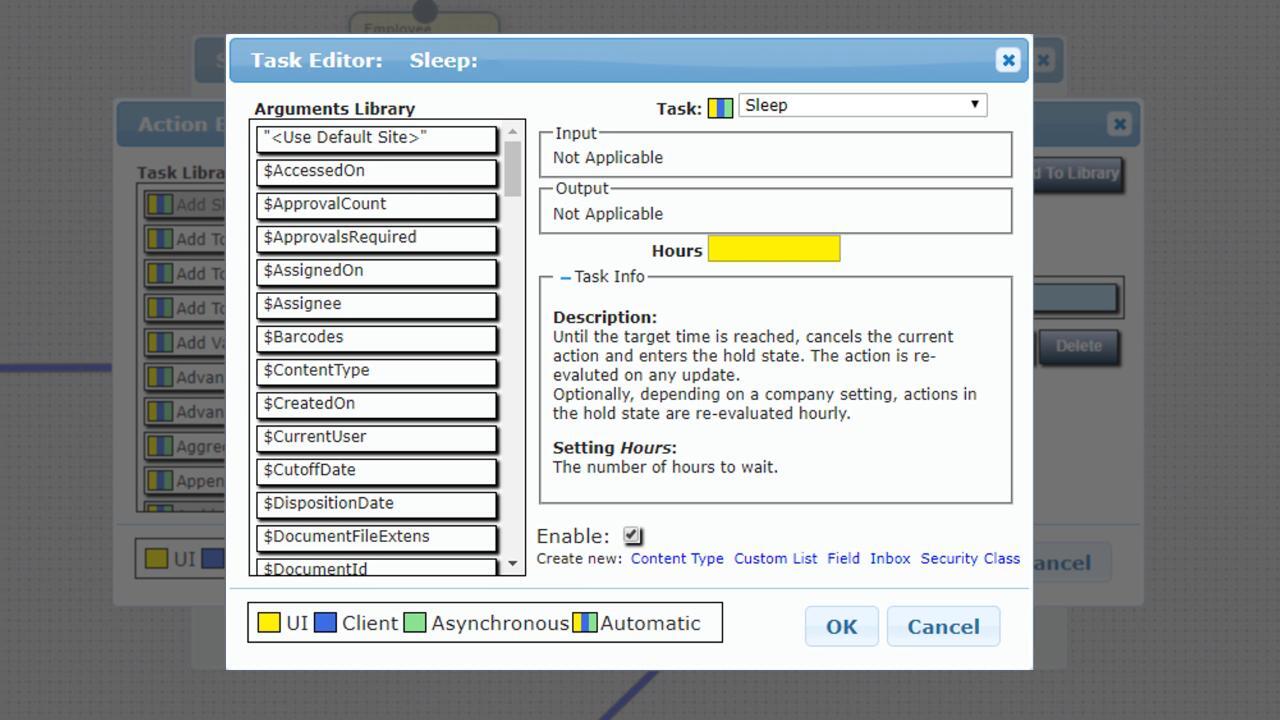
The Sleep Task
Does your workflow need a couple hours to get ready? Give it a nap with the Sleep task! Learn more here.
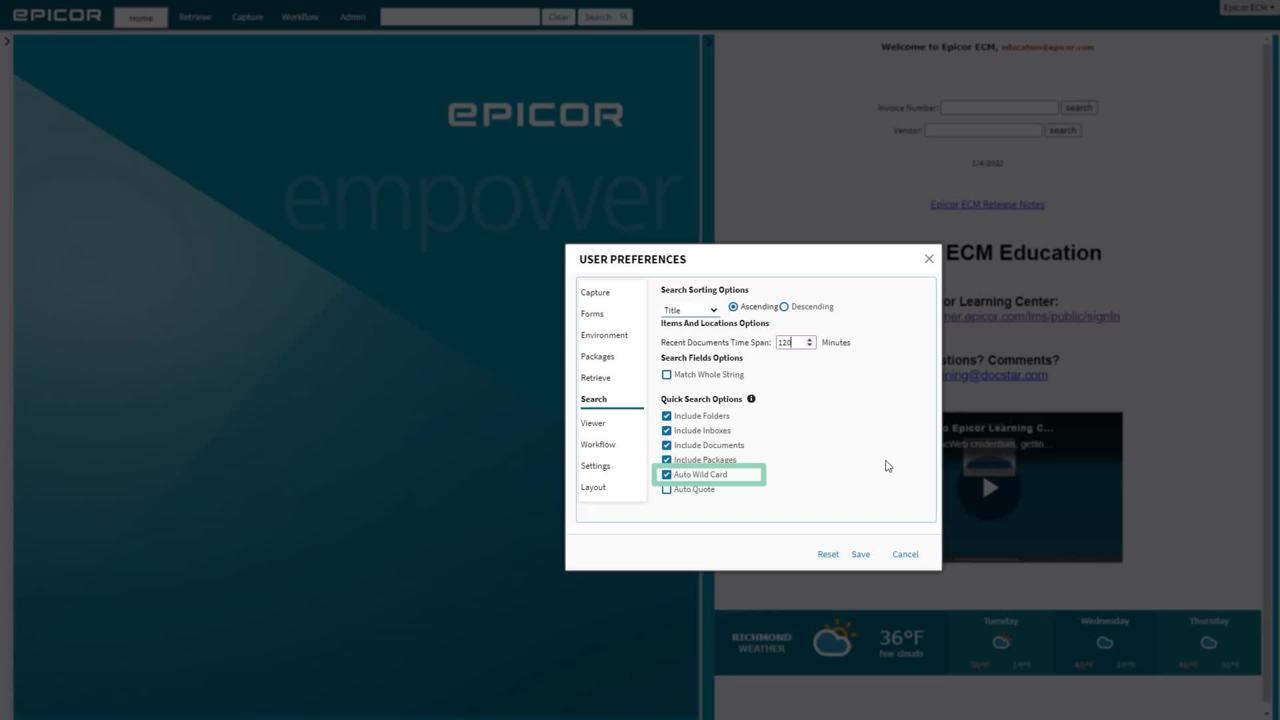
Epicor ECM User Account Preferences
Your Epicor ECM User Preferences are tied to your account. Learn what you need to know about setting them up here!
Page 1 of 3